
Practical AI guides, examples, and useful tools for everyday work.

Start here

Find AI apps worth trying.

Start with what you’re working on. Each guide shows the example, the app, and the next step that feels worth your time.

Get More Interviews

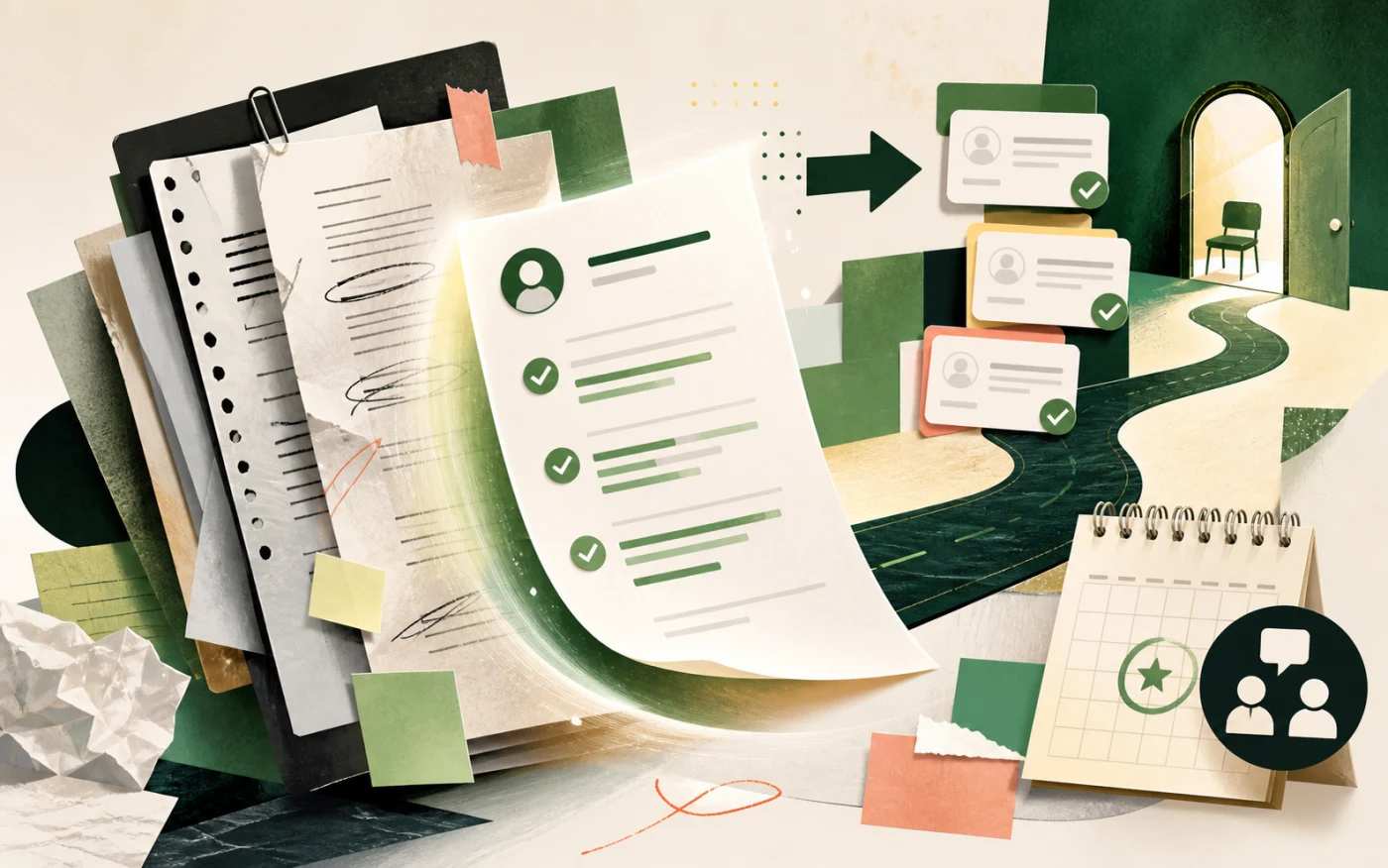
AI can make the application feel sharper before you send it. Start with your resume and a real job description. Then tighten the match, clean up cover-letter ideas, and give yourself a better shot at the interview list.

Illustrated resume packet moving toward interview invitations

Run Better Meetings

Meetings feel better when the notes are already useful. Capture the call once. Then turn it into decisions, action items, and follow-up copy your team can actually use.

Illustrated meeting notes turning into decisions and follow-up tasks

Write With Less Friction

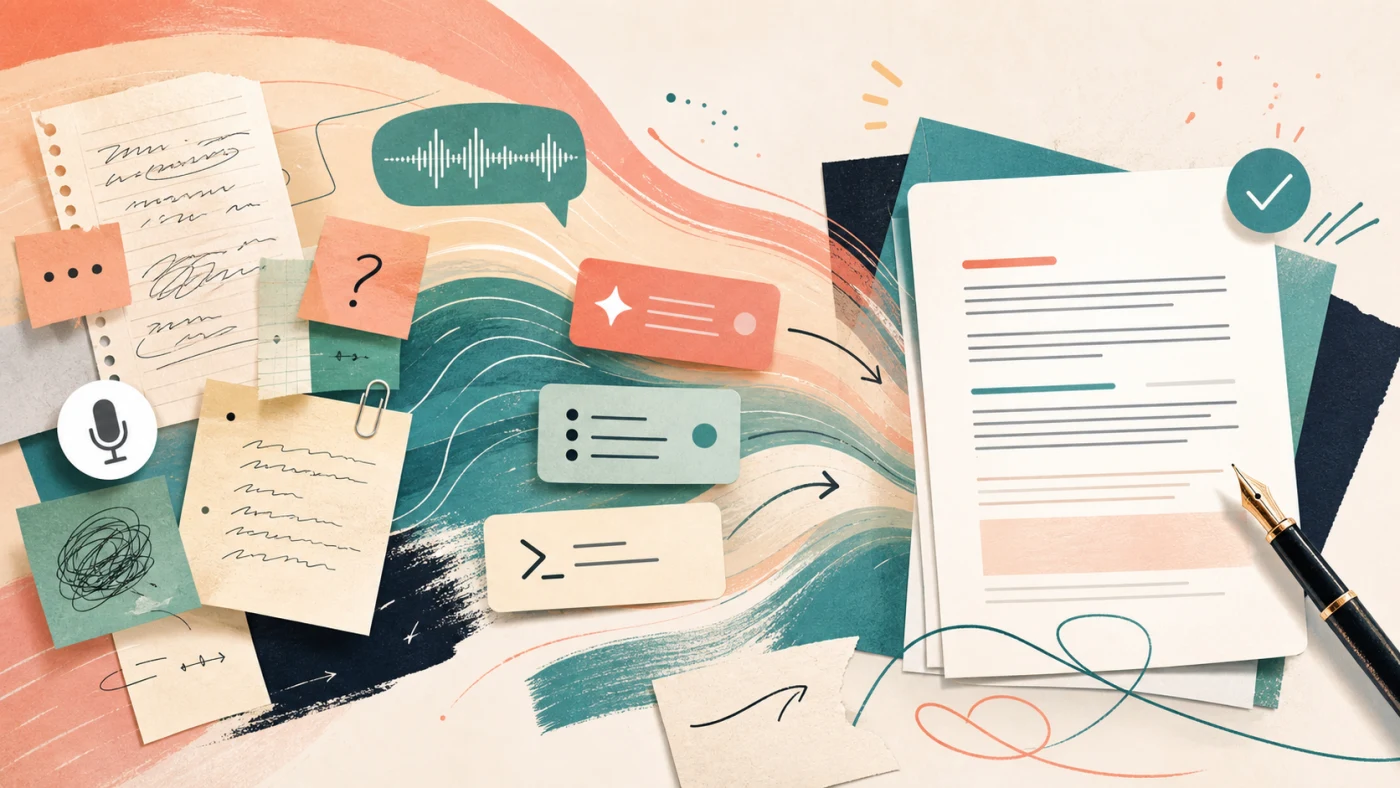
When the idea is clear but the draft is not there yet, AI is great company. Talk it out, rough it in, then polish. Use it for emails, docs, prompts, and notes that still sound like you.

AI writing assistant turning rough notes into a clean draft

Tool picks

AI tools I’d actually try first.

See the example first. Then try the tool when it matches what you want to make easier.

Jobscan

Jobscan is the tool I would try when a resume already feels close and you want a stronger final pass. Drop in the job description, compare the match, and make the edits that help the application feel more intentional.

  • Best for checking a resume against the exact job description.
  • Good for spotting missing skills, keywords, and ATS-friendly formatting issues.

Preview how a resume gets compared with a real job description before you apply.

Fireflies.ai

Fireflies.ai is the app I would try when you want the meeting to keep helping after the call ends. It gives you searchable notes, cleaner summaries, and action items that are easier to share.

  • Best for turning calls into searchable notes and summaries.
  • Good for pulling action items out of long conversations.

Show the moment Fireflies searches meeting context and pulls exact quotes without making you reread the transcript.

Wispr Flow

Wispr Flow is the tool I would try when the words are in your head but typing is not the fun part. Speak naturally, get cleaner text back, and keep moving through the apps you already use.

  • Best for speaking naturally into email, docs, chat, and prompts.
  • Good for turning rough dictation into text that reads cleanly.

Watch Wispr Flow turn natural speech into cleaner text while keeping the edits fast and visible.

Recent guides

A few newer guides to read next.

When you want a little more detail, start with one of these.

Job Search Make Your Resume Stand Out Without Sounding Fake Standing out does not mean making your resume louder. It means making the right evidence easier to notice for this role. Job Search A Simple AI-Assisted Job Application Routine A better job search routine keeps each application specific without making every submission feel like starting over. Job Search Make Your LinkedIn Profile Match The Jobs You Want Your LinkedIn profile should reinforce the roles you want, not sit off to the side as a vague professional biography.